/01
Put your grounds on the map
Digitize your site plan. Mark cans, valves, garden beds and parking spots. Give every job an exact location.
Maps · Assets · Routes
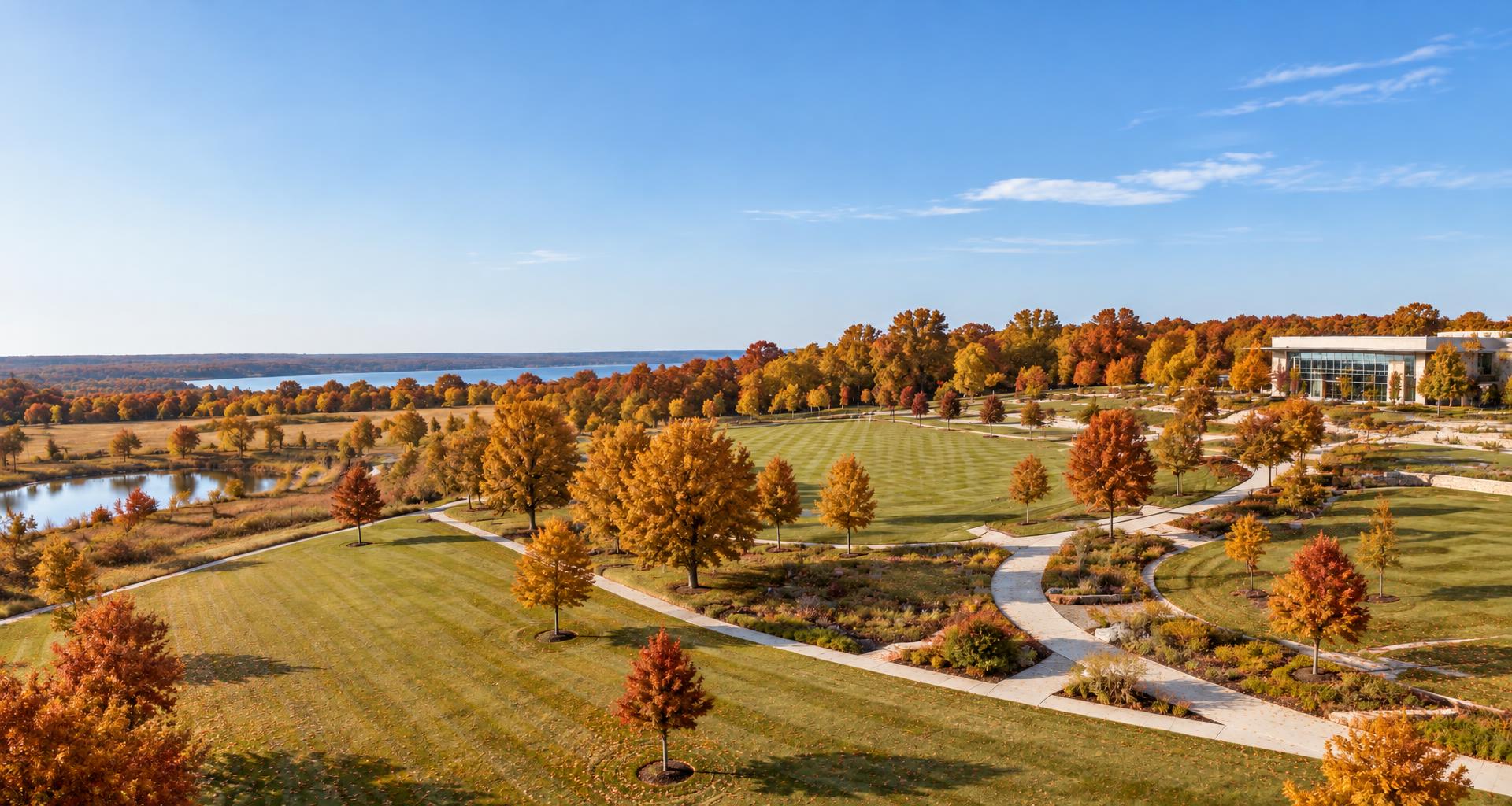
Built for life outside
Good work starts on common ground.
Bring your map. Invite your crew. Make the day easier.
A place for every detail
Click a menu below to explore. Or watch the guided tour.
Sample Grounds · demo data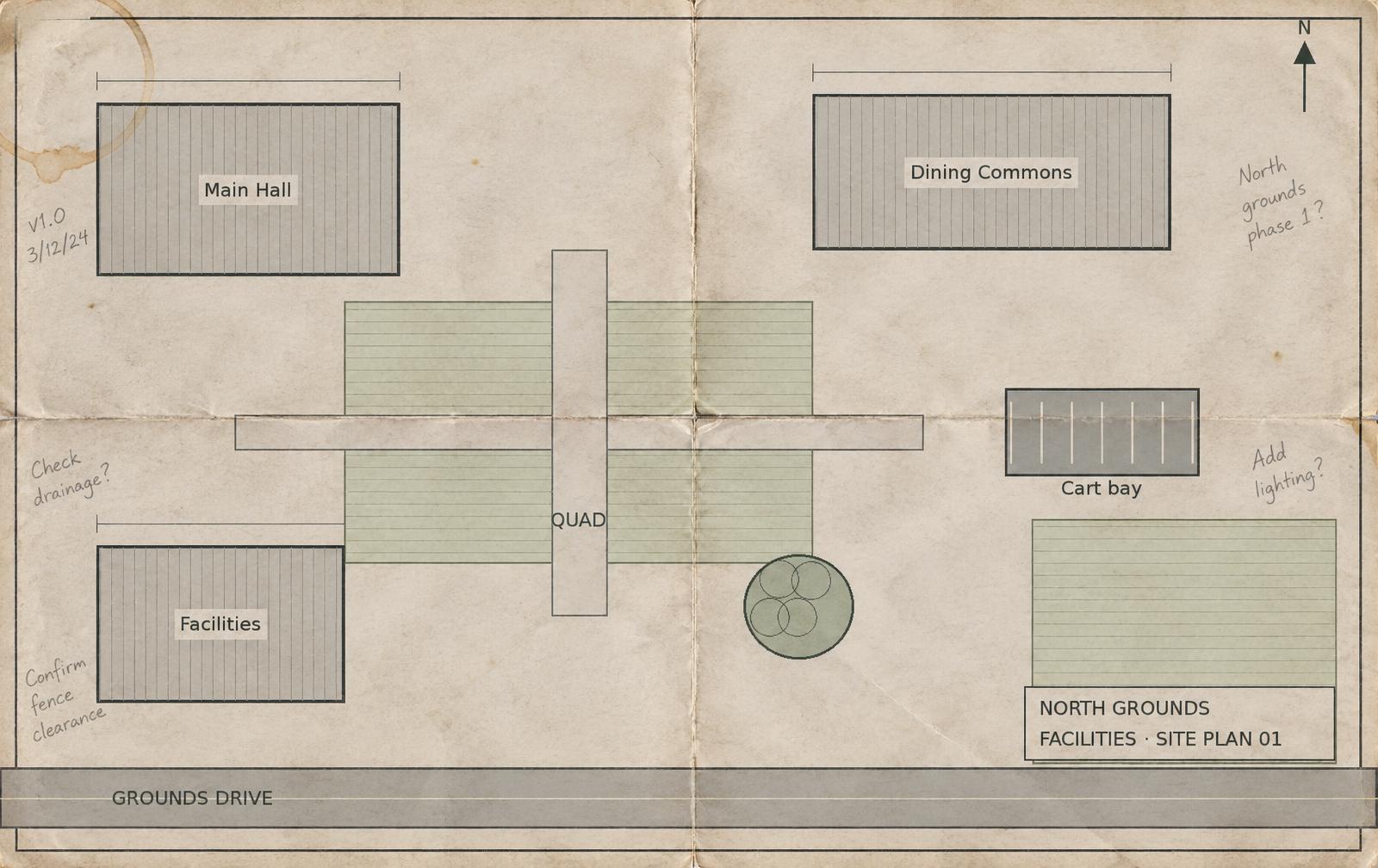
Map: Start with a photo of your paper site plan.
Your existing map, made interactive
The same view on every crew phone
Free crew. Licensed coordinators.
Keep the work connected to the place. Groundskeep brings the details out of scattered messages and onto a shared map.
Digitize your site plan. Mark cans, valves, garden beds and parking spots. Give every job an exact location.
Maps · Assets · Routes
Assign work, scan an asset and leave notes. Status updates reach the whole crew without another check-in.
Tasks · QR labels · Team chat
Check field weather, see who's on shift and let automations handle repeat work. One active Admin unlocks weather and schedules for everyone.
Weather · Shifts · Automations
Built for the manager
Every status change, route note and end-of-shift note lands in one daily report. Open it at your desk, print it for the meeting, or export it for the budget review.
Daily report
Tuesday · North Grounds
42
Items updated
6
Routes finished
5/5
Shift notes in
Built around your team
Start with an Admin license to keep your Grounds running. Add Editor licenses for your leads. Workers and seasonal staff join free.
For the people doing the work.
$0
per crew member
Join your crewCrew tools require a funded Grounds. Otherwise, access is view-only.
For leads coordinating the day.
$12
per license / month
or $120/year — 2 months free, save $24
Requires an active Admin license or Pass.
For the person running the Grounds.
$29
per license / month
or $290/year — 2 months free, save $58
Keeps crew tools enabled for everyone.
2 Admin + 6 Editor licenses. Unlimited free crew. One yearly plan for your department.
Save $610/year versus separate annual licenses.
Explore Grounds Pass2 Admin + 5 Editor licenses for 14 days. Unlimited free crew. Never renews.
Plan your eventThe 14-day trial includes core tools for up to 3 people. Public issue reports, extra maps, Winter operations, weather, scheduling, maintenance spec lookups and end-of-shift notes start with active paid Admin access — not the trial.
| Included | Trial | Free crew | Paid |
|---|---|---|---|
| Live map & team communication | |||
| Item updates & daily crew tools | Funded Grounds | ||
| Create tasks, routes & automations | Editor / Admin | ||
| AI map digitizing | Editor / Admin | ||
| Extra maps & Winter operations | View / winter work¹ | Active Admin | |
| Create public report maps & share links | Admin / permitted Editor | ||
| Review public reports into tasks | If Admin permits | Admin / permitted reviewer | |
| Weather, alerts & shift scheduling | Active Admin | Active Admin | |
| Equipment maintenance specs | Active Admin | ||
| Vehicle maintenance specs | Active Admin | ||
| End-of-shift notes & reminders | Editor / Admin | ||
| Team size | Up to 3 | Unlimited¹ | Unlimited |
¹ Unlimited crew on funded Grounds; the trial is capped at 3 members. Public reporting requires paid Grounds; visitors submit free without a license, and Admins control reviewer and map-sharing permissions. After trial or paid access ends, your Grounds becomes view-only. Your saved work stays.
Good to know
Try your first map, tasks, routes, AI map digitizing and automations for 14 days with up to 3 members. Extra maps, public issue reports, Winter operations, weather, shift schedules, maintenance spec lookups and end-of-shift notes require active paid Admin access and are not included in the trial.
Yes. On paid Grounds, share a dedicated public report map by permanent link. Visitors open it free on a phone or computer, tap the spot and send a title, notes and photos — no login, app install, GPS or QR stickers needed. They cannot see crew pins, other reports or team tools. Review requests on the map or in Incoming reports, then accept one as a task with a new pin at the submitted spot, or dismiss it. Admins control review and map-sharing permissions. Public reporting is not included in the free trial.
No. Workers, students and seasonal staff join free with a team code. An active Admin license or Pass keeps the Grounds funded so crew can update items, finish tasks and use permitted routes and vehicles. Editors need their own license to create and manage work.
After your trial ends without an active license or Pass, your Grounds becomes view-only. Your maps and saved work stay there; operational tools are disabled. Canceled paid licenses remain active until the paid period ends.
Yes. Upload a site plan or aerial image, then use AI map digitizing to turn buildings, lawns and paths into an editable map. Review the results and add pins for your assets.
Log a mower or truck's make and model, and Groundskeep fills in the factory details — spark plugs, filters, oil type and capacity, and when to service them. No more digging through manuals. Requires an active Admin license on the Grounds (not the trial); Admins and Editors can then use it. If the license lapses, specs are hidden until it is renewed — your saved details stay.
Just a phone. Groundskeep works in the browser and can be installed on iPhone or Android. Crew can scan QR labels, update items and leave notes in the field.